● Flexible paymentsAU · VST · VST3 · DESKTOP
Rent-to-own
your plugins.
Looking for an easy, flexible way to buy Imaginando products where you're always in control? Spread the cost over manageable monthly payments — and the licence is yours forever once the plan is complete.
from €7.80Per month
8Plugins available
PauseAnytime · progress kept
[ 01 / The catalogue ]
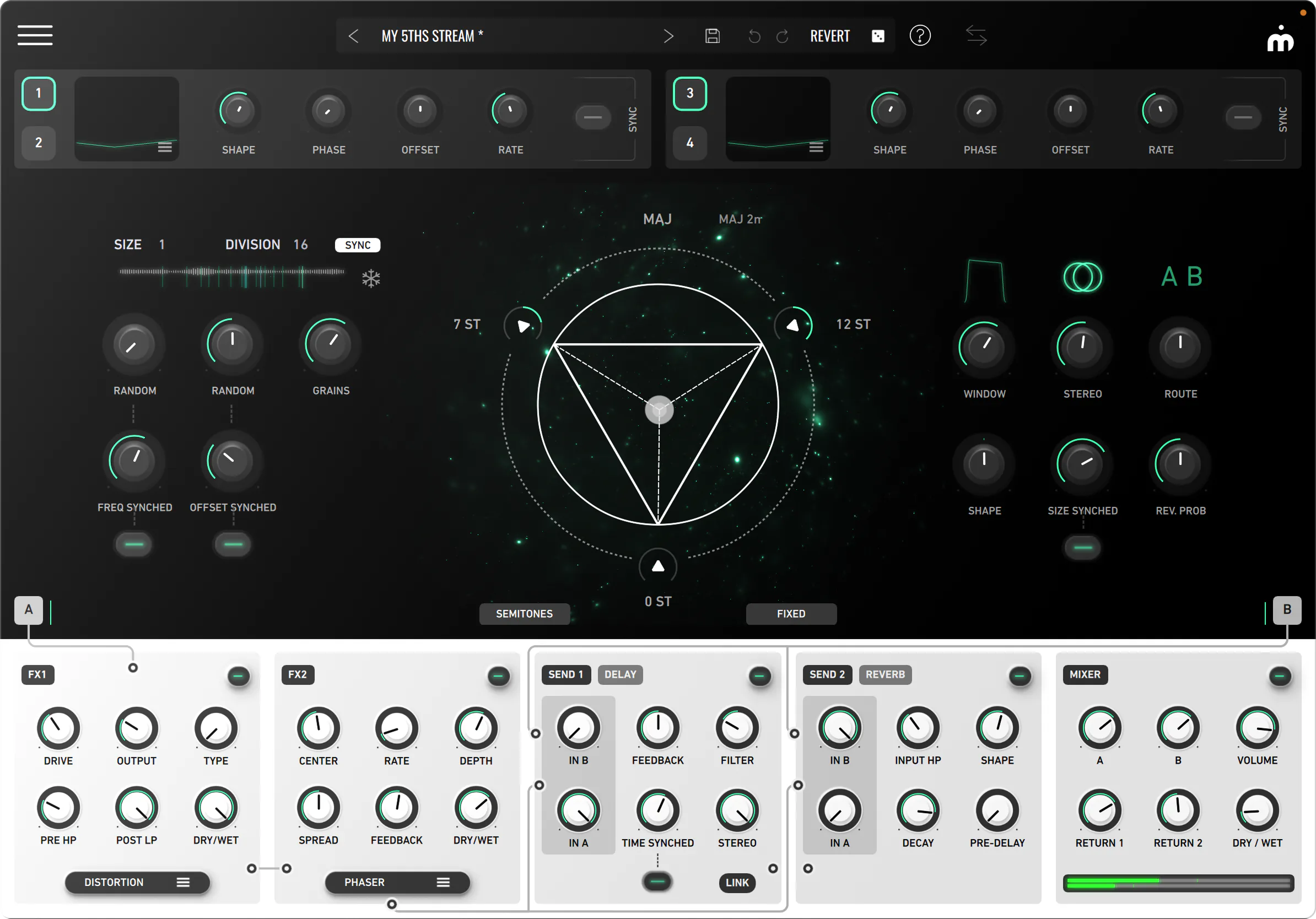
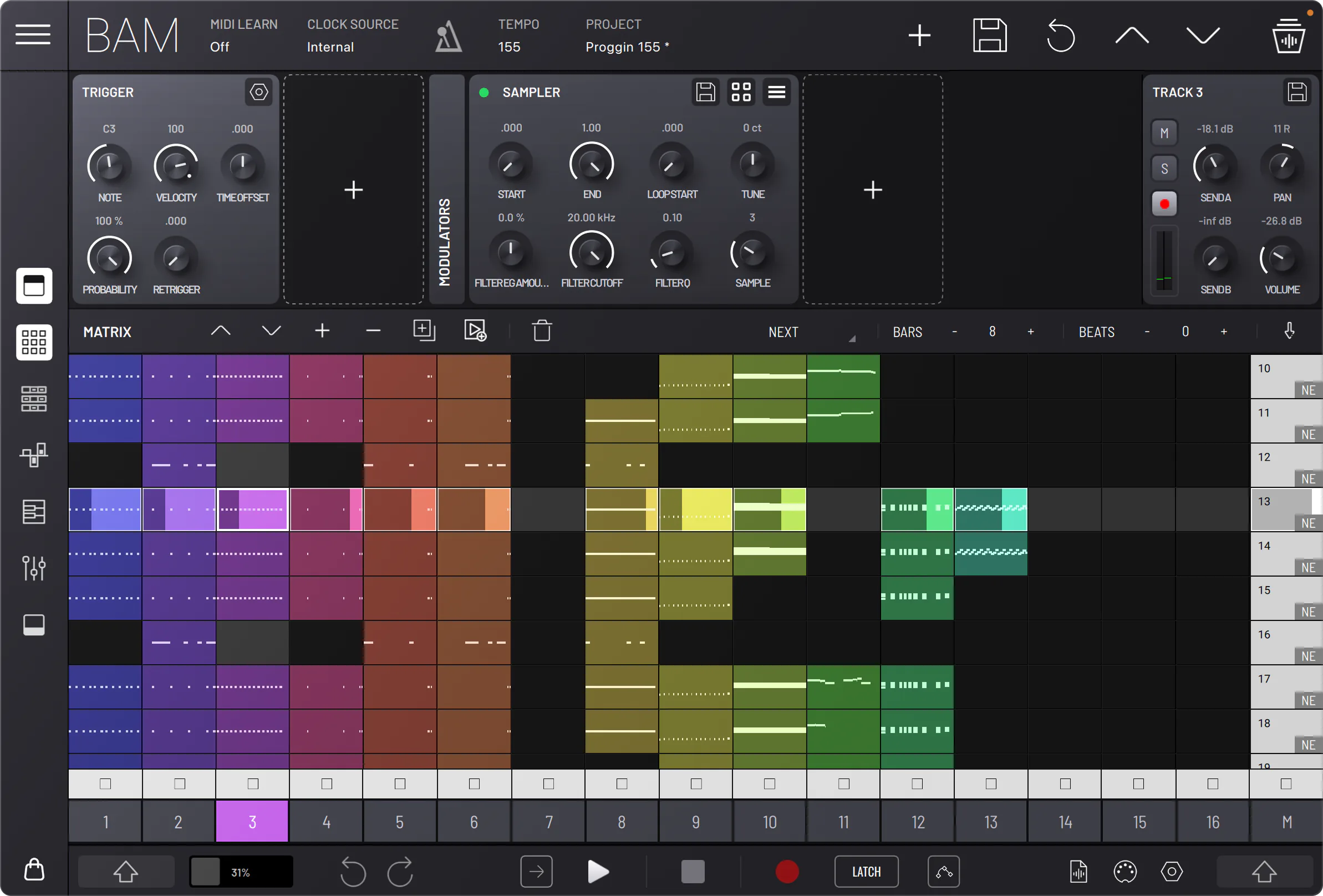
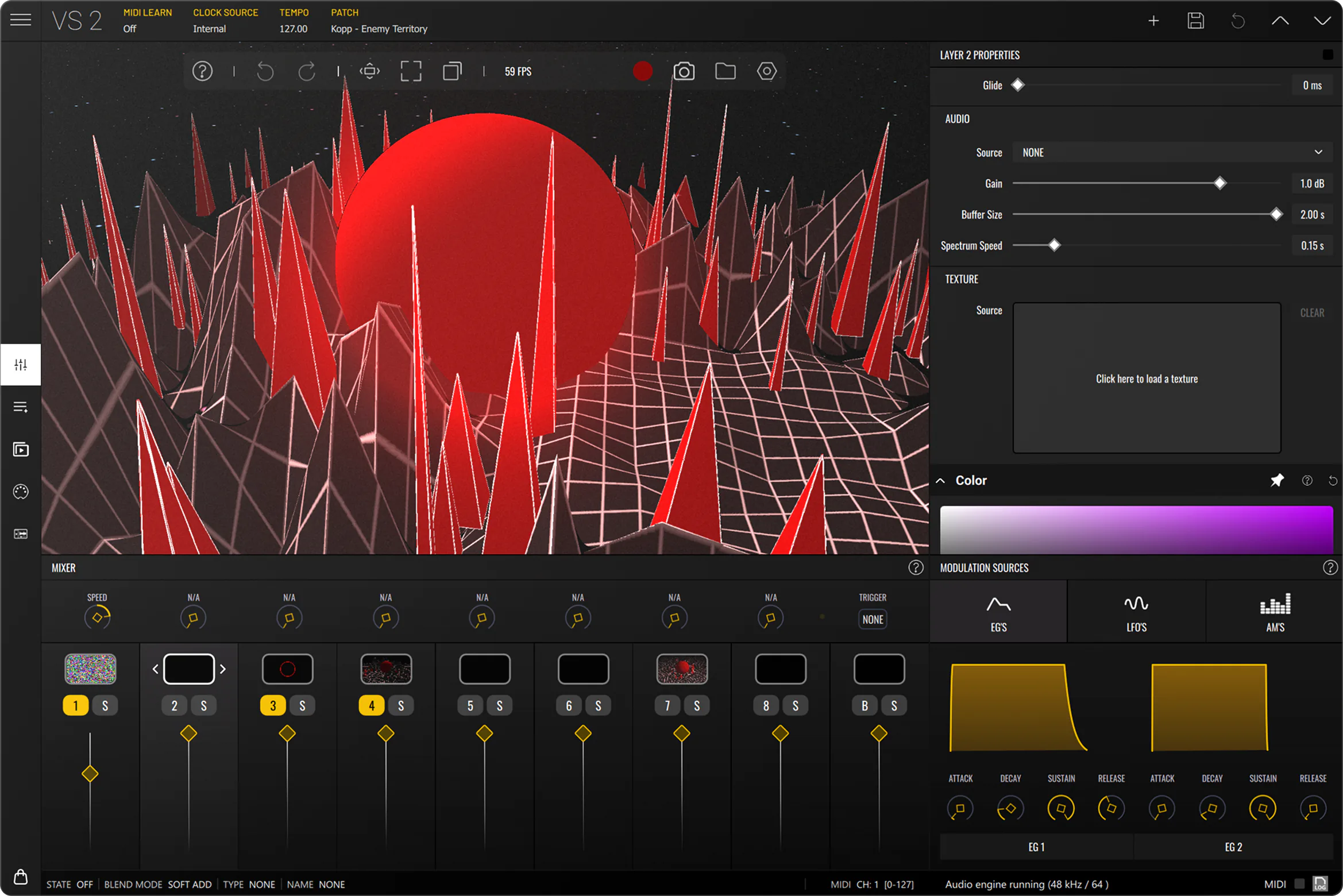
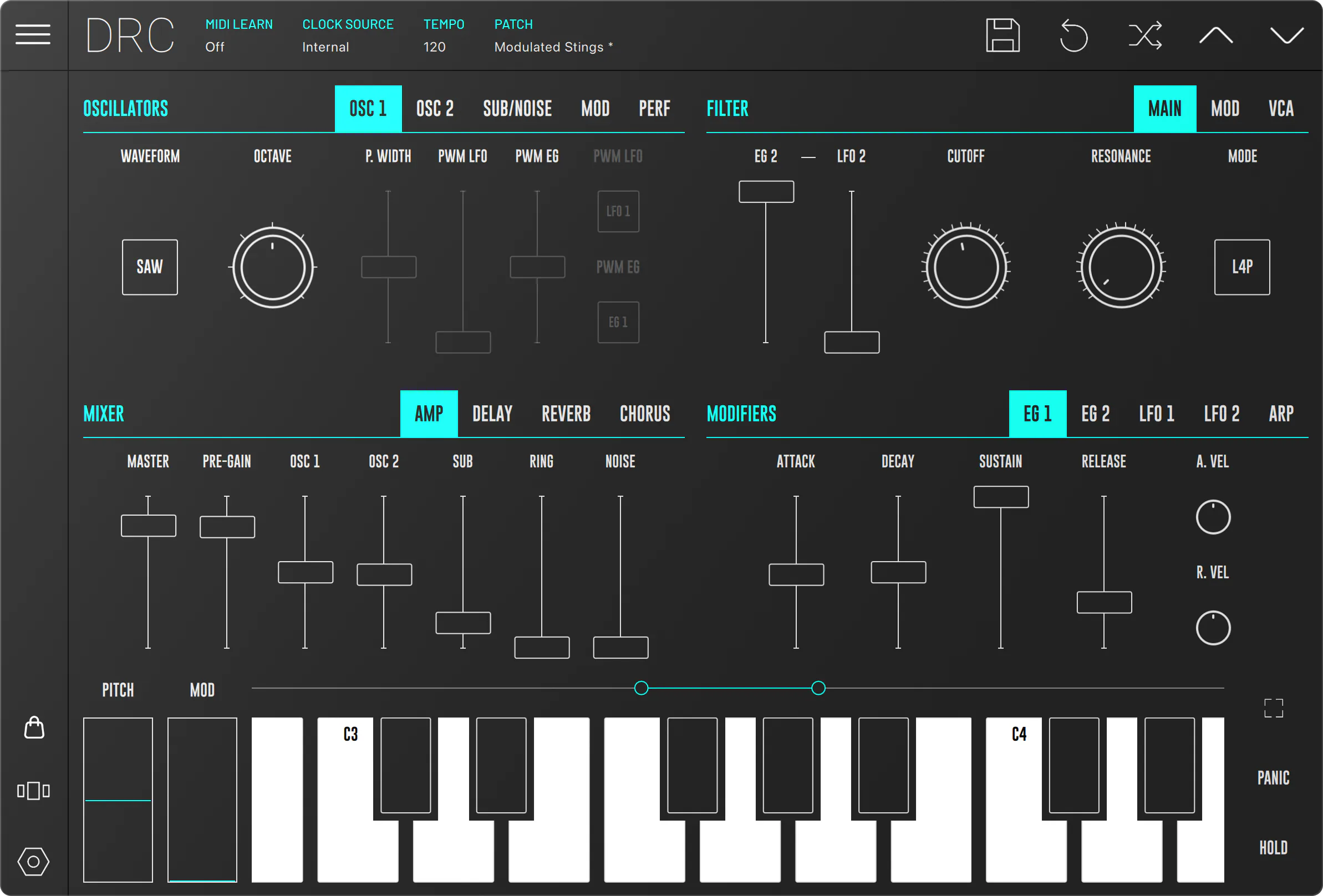
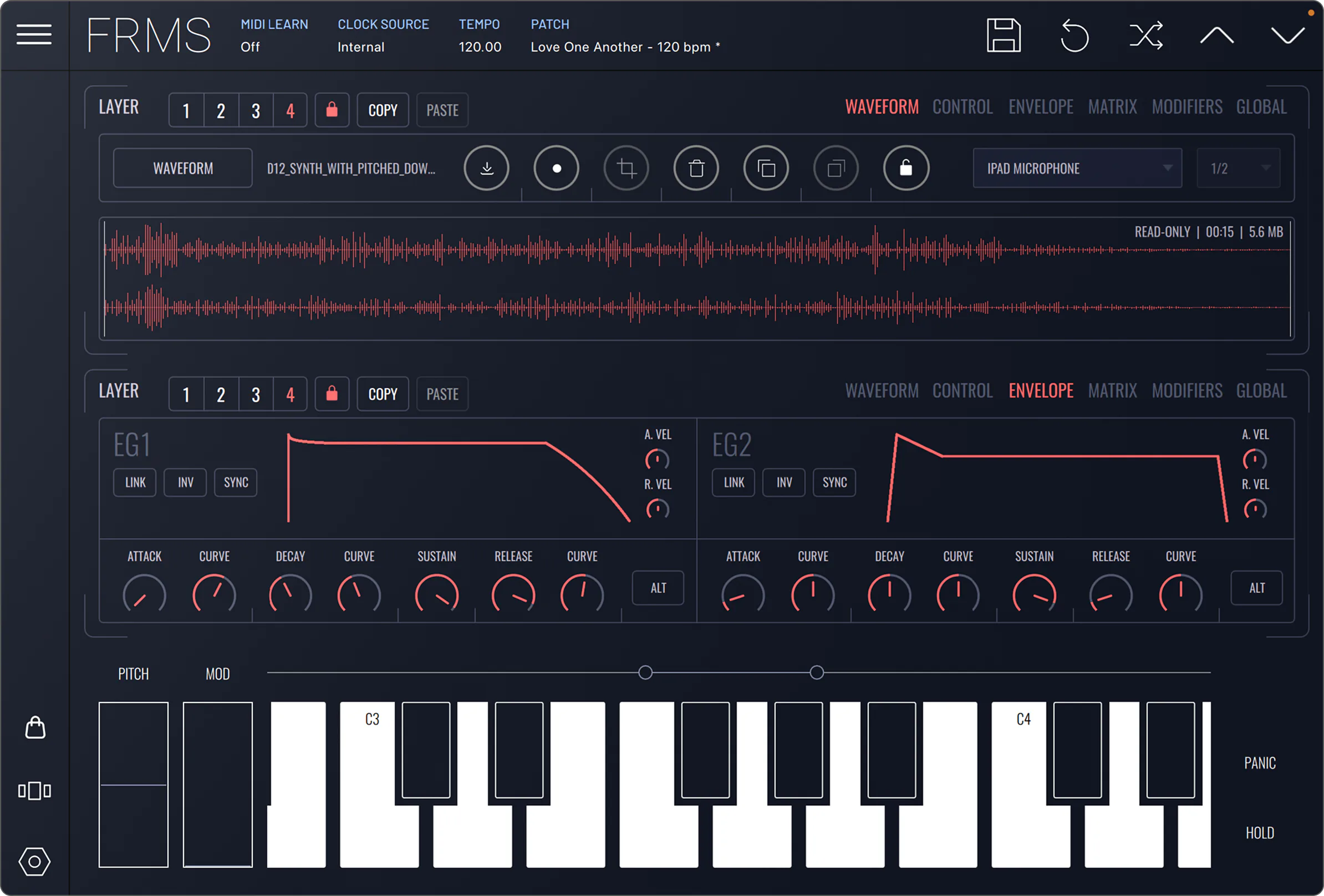
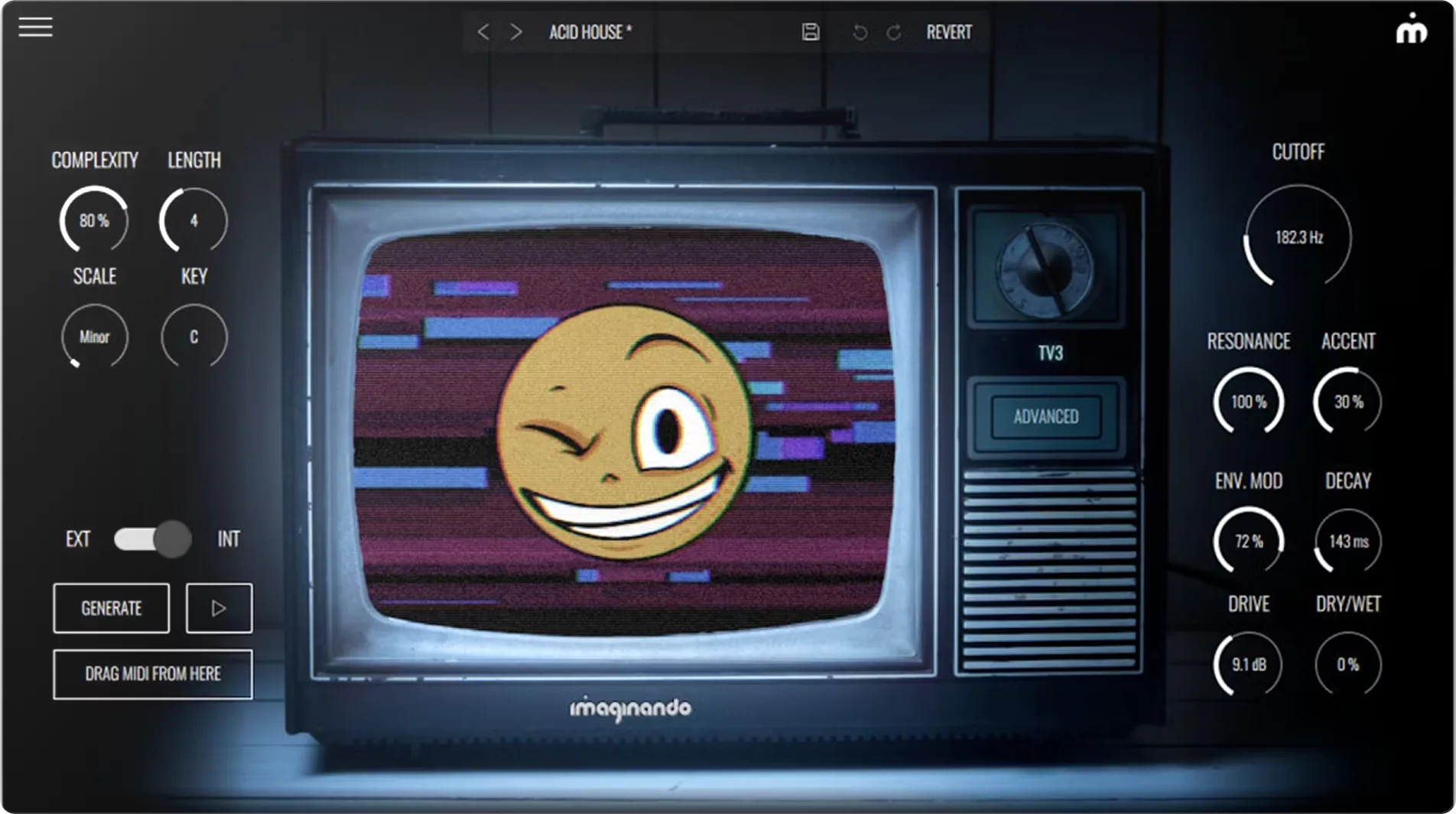
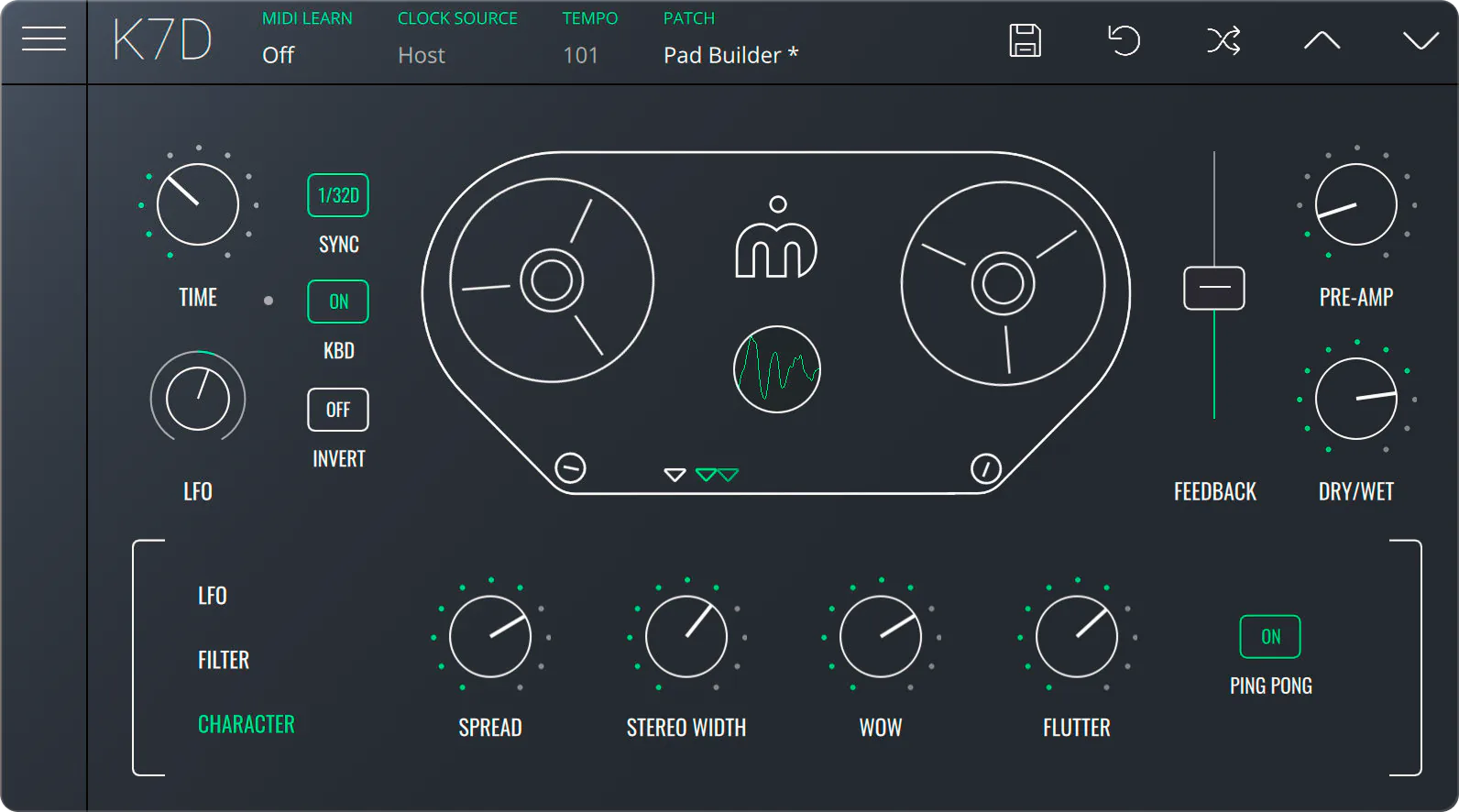
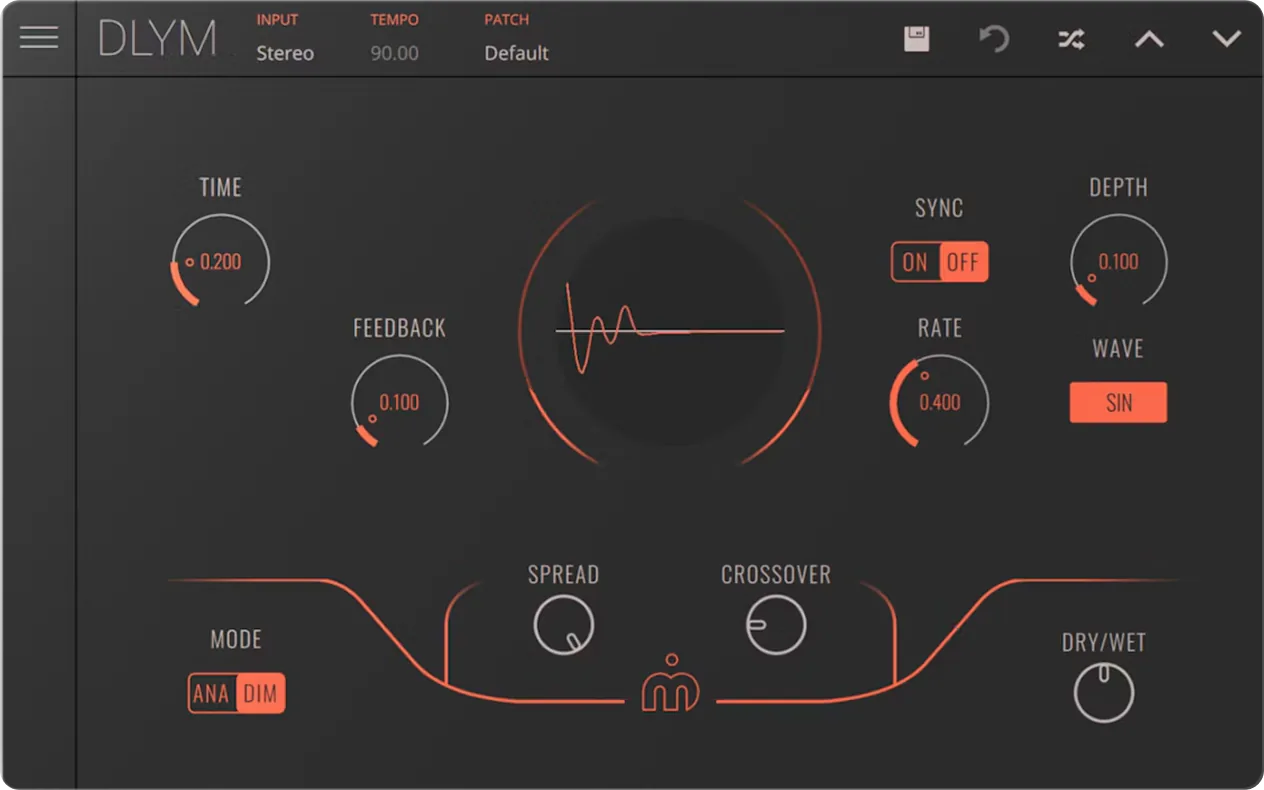
Discover our plugins.








[ 02 / What is rent-to-own? ]
Pay monthly. Own it forever.
Rent-to-own lets you spread the cost of Imaginando desktop products across manageable monthly payments. You can start using the licence as soon as you make the first payment.
Once you reach the required number of payments, the licence is all yours, forever — no expiry, no catch.
- Start using the plugin from the very first payment
- Pause and resume any time — progress is never lost
- Settle the remaining balance whenever you like
- Free updates within your current major version
Monthly payments · DRC€8.90 × 12
09SeptemberFirst payment€8.90
10OctoberPayment 2 of 12€8.90
11NovemberPayment 3 of 12€8.90
12DecemberPayment 4 of 12€8.90
· · ·
Yours foreverPlan complete · licence owned€0.00
[ 03 / Good to know ]
Frequently asked.
Everything about plans, payments and ownership — answered.
How does rent-to-own work?
+
Each rent-to-own plan lets you pay for a desktop product licence as a fixed monthly amount over a set number of months. The monthly price and the number of payments are shown up front, so you know exactly what the plan costs before you start — and the licence is yours once it's complete.
Do rent-to-own plans expire?
+
Nope. You're free to pause and resume whenever you like, as many times as you wish — and unlike other similar service providers, you'll never lose rent-to-own payment progress.
How do I find the details of each product's rent-to-own plan?
+
Each product page's pricing section shows the details of its rent-to-own plan, right next to the standard one-time purchase price.
How do I start a rent-to-own plan?
+
Starting a plan requires an Imaginando account and a valid card payment source. Rent-to-own plans can be found under the products section of your Imaginando account dashboard.
Can I use PayPal for a rent-to-own plan?
+
Rent-to-own plans require a direct card payment source and cannot be funded using PayPal, sorry.
What if I miss a payment or the payment fails?
+
No problem — we'll automatically retry the failed payment after a couple of days and keep you updated via email with the status.
Can I pay off the remaining balance?
+
Yes you can. Access your plan details via your account dashboard and settle the outstanding balance at any time, to instantly own the licence.
Which products are available to rent-to-own?
+
Only our desktop products are available as rent-to-own plans. Mobile apps are not — even if a desktop version is available, a rent-to-own plan will never include access to the mobile version of a software.
Start with a plugin. Keep it for life.
Pick any desktop instrument or effect, make your first payment, and start creating today. The licence becomes yours once the plan is complete.