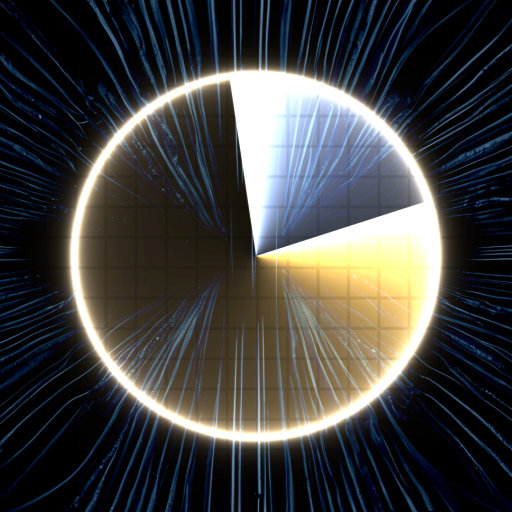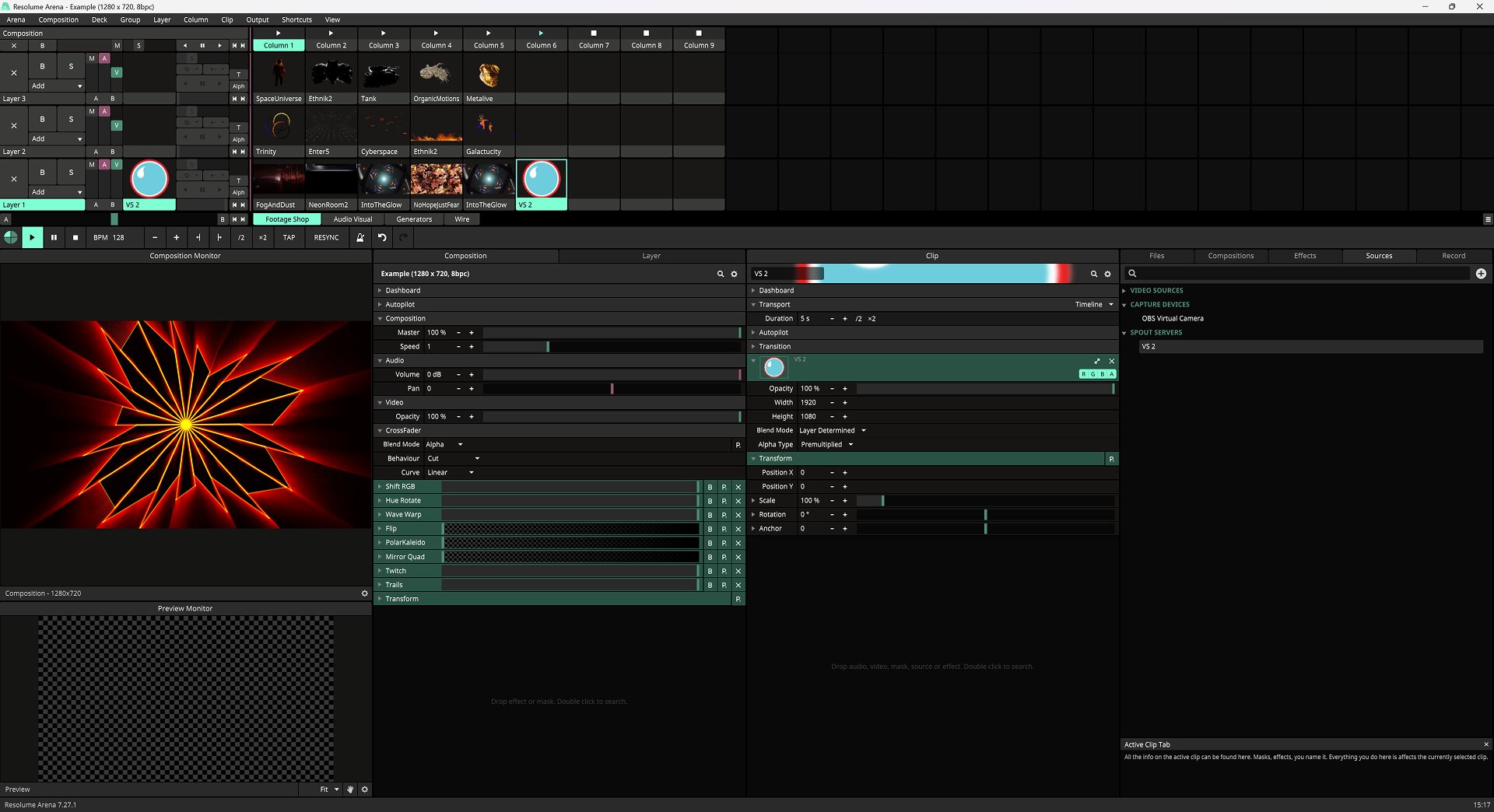
Eight blendable layers.
Stack up to eight layers over a background — each with its own blend mode and opacity. Reorder by drag, solo or mute any layer.
VS.
VS borrows the architecture of a synth — voices, layers, LFOs, modulation — and points it at the screen. Press a key and pixels answer, in sync with every sound you make.
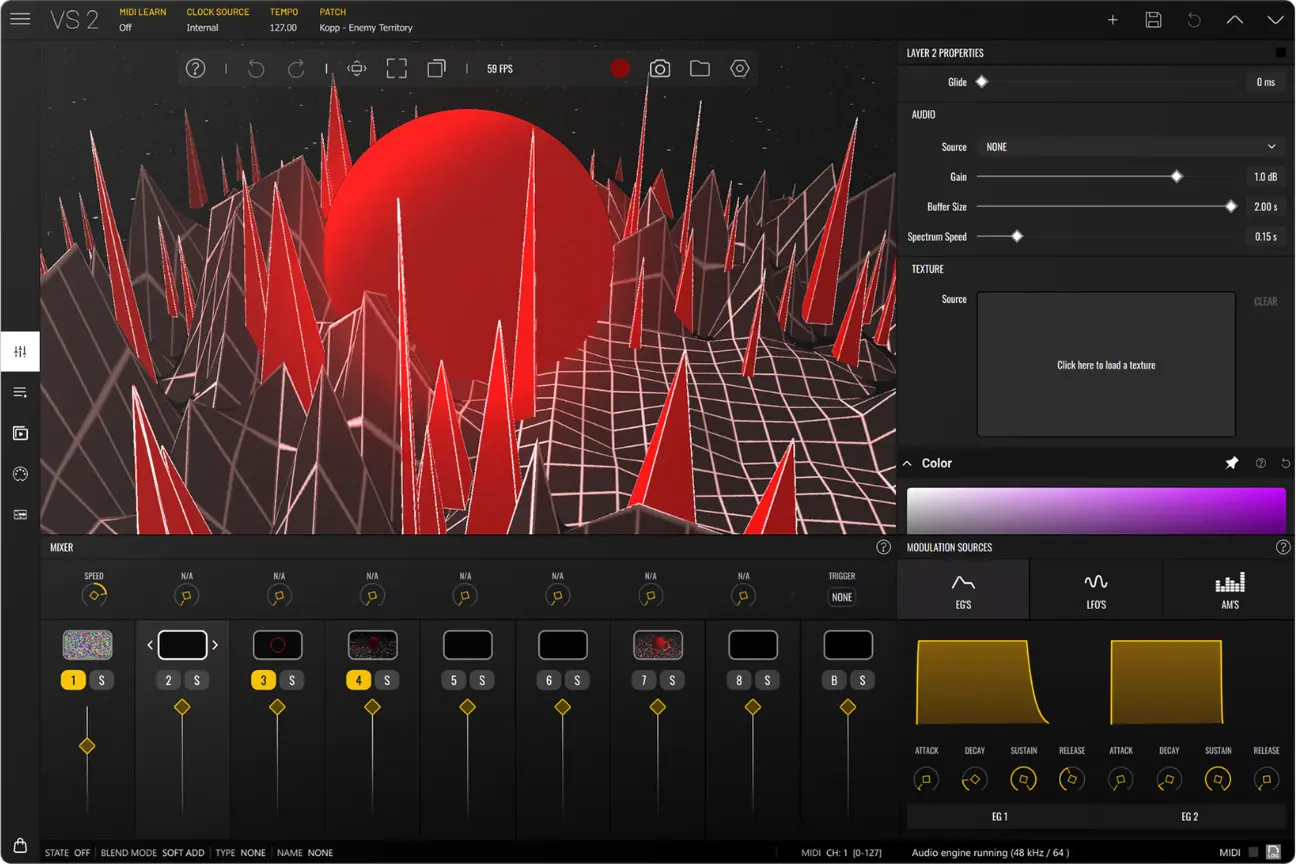
VS is a visual synthesizer — it borrows a synth's architecture (voices, layers, LFOs, envelopes, a modulation matrix) and points it at the screen. Feed it audio or MIDI and every parameter can answer in real time, running standalone, as a plugin inside your DAW, or on iPad and Android.
Eight blendable layers, nearly 60 factory shaders and a built-in editor for writing your own. Whatever you route in — a track, a MIDI performance, a camera — turns straight into pixels, in sync, at up to 4K and 60 FPS.
Shaders, audio visualizers, an oscilloscope, your images and video, text, live camera feeds and feedback loops.
Frequency bands, peaks, envelopes, notes and CC read straight off your performance and wire to almost any parameter.
Four LFOs, MIDI-fired envelopes and audio modulators meet in a single modulation matrix.
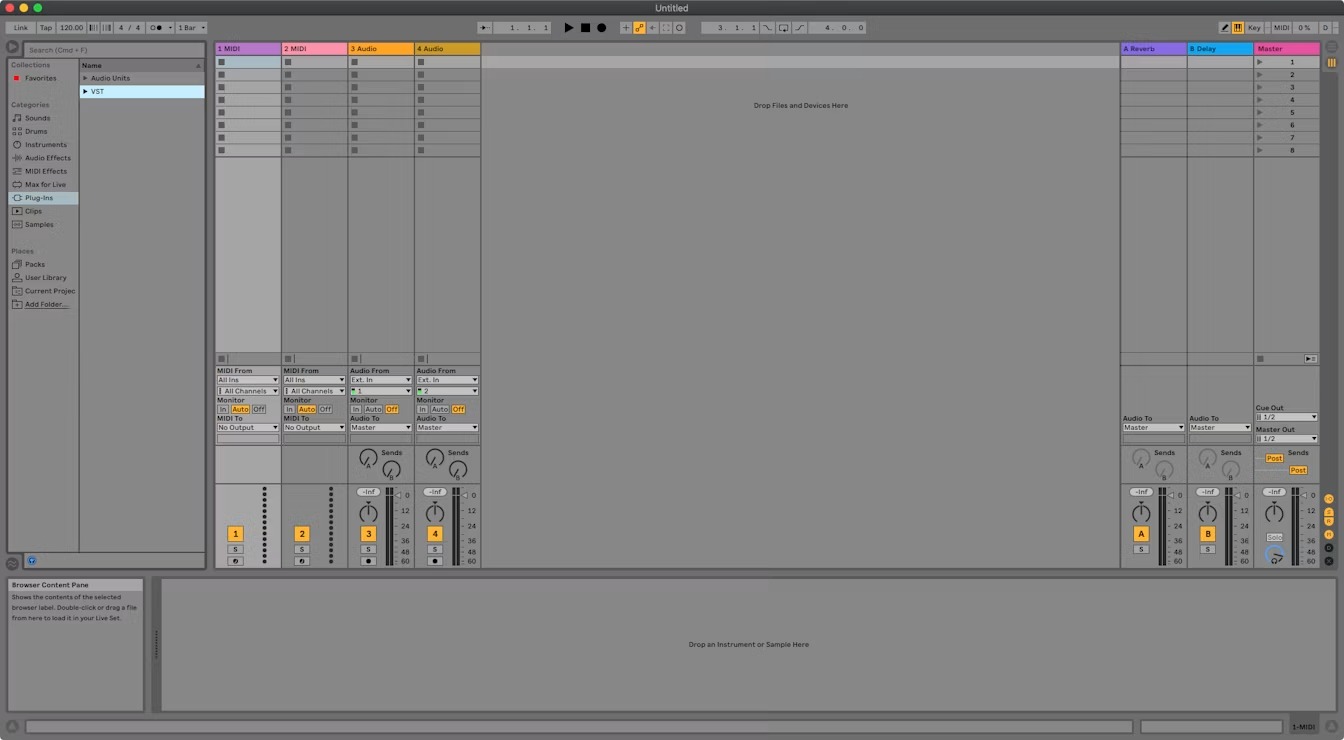
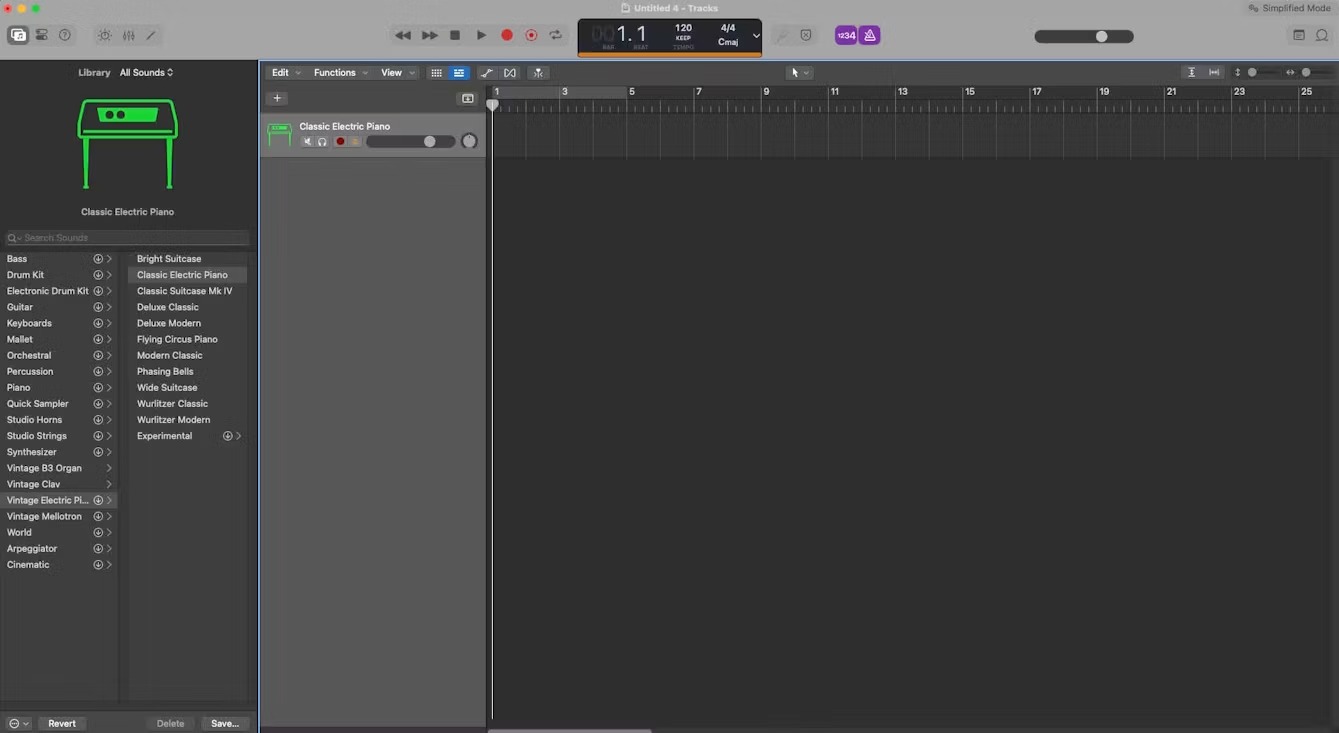
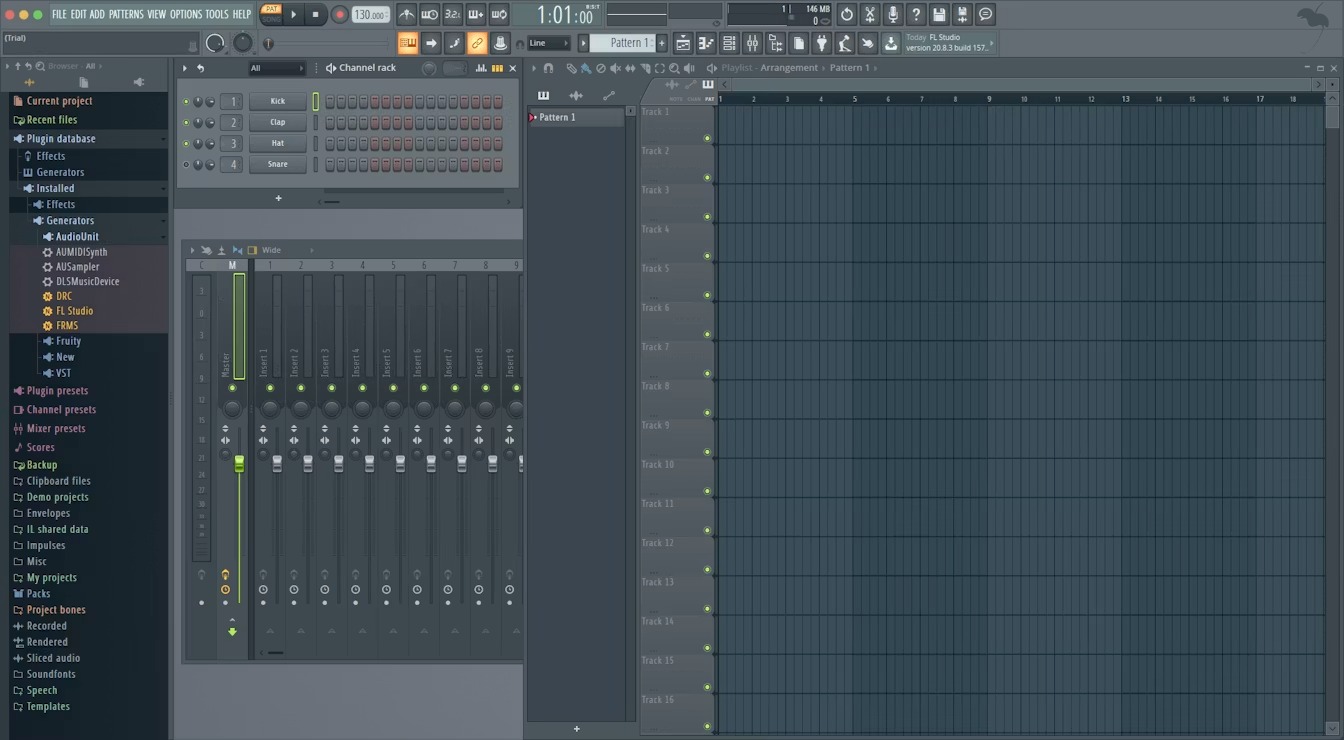
Run it on its own, drop it into Ableton, Logic or FL as a plugin, or take it to a gig on iPad or Android. One instrument, every stage.
One engine plays pixels. Write your own shaders, drive them with audio and MIDI, stack polyphonic visual voices, and wire everything through a full modulation system — all in real time, all in sync.
Write shaders from scratch, or port existing ones from ISF, GLSL Sandbox, Shadertoy, or ChatGPT-generated code. A real-time preview shows every change instantly — so your development loop never leaves the app.
Feed VS a track and the material answers instantly — peaks, envelopes and frequency bands read straight off the waveform. Shape the incoming signal with the audio modulator, then hit Listen to bring real sound in.
Notes, velocity, CC and clock — every MIDI message maps to a parameter, live. Draw notes in the clip; as the playhead crosses them it triggers an envelope that drives the material.
A layer isn't one visual — it's up to four simultaneous voices. Draw notes in the clip; as the playhead crosses each one it fires the layer's material. When several notes sound together, VS stacks the same material into a chord of pixels — hold four and you see four instances at once.
A low-frequency oscillator cycles on its own — sine, triangle, saw or square — and you patch it into any parameter. Here LFO 1 drives the material's scale; change its waveform, rate and offset and the motion follows.
This is where it all comes together. Envelopes, LFOs and audio modulators meet in a single modulation matrix — straight from the hardware-synth playbook. Pick a source, pick a parameter, dial the amount. If you've patched a synth, you already know how this works.
A layer can be almost anything. Audio visualizers and an oscilloscope, your own images and video, live text, feedback loops and a real-time camera feed.
Specialized shaders turn live waveform and frequency data into motion. Feed any layer audio, then dial in gain, buffer size and spectrum decay — from precise meters to pure abstraction.
A nod to classic analog gear — the oscilloscope traces your audio waveform in real time, geometric and alive. Perfect for glitch aesthetics, experimental sound and a scientific edge.
Drop your own images and video into any layer, then blend and modulate them like anything else. Your logos, footage and textures become part of a reactive show.
Put custom text on screen as a reactive element — messages, lyrics, branding. Modulate it like any material, from pulsing titles to glitching typography.
Route the rendered output back into a layer to create feedback loops — trails, echoes, fractals, recursive distortion and infinite zoom, all from a single connection.
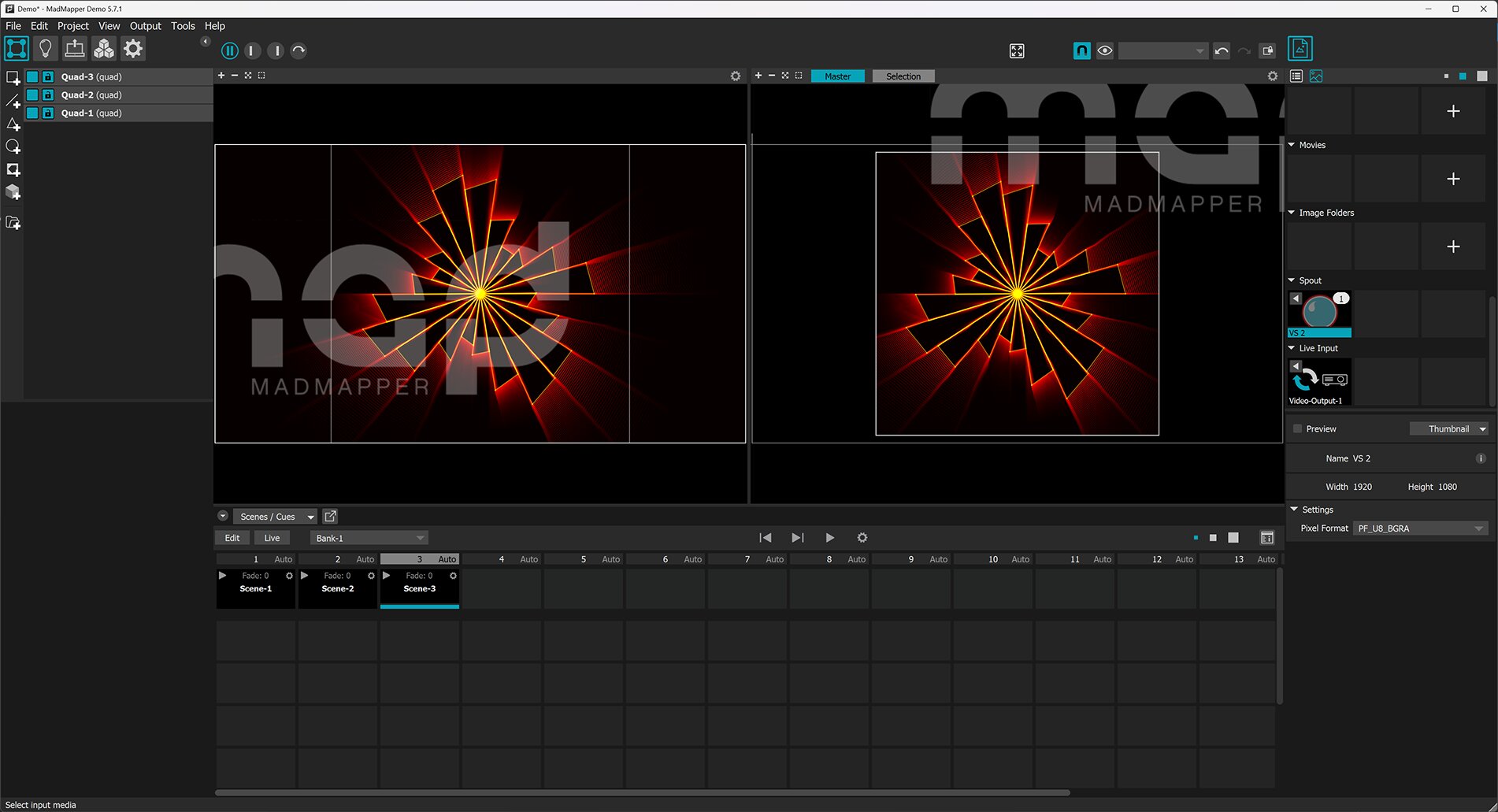
Feed real-time video from Resolume, TouchDesigner, a webcam or an external camera straight into a layer — modulate and blend it like any source. Syphon and Spout in; NDI, Syphon and Spout out.
Stack up to eight layers over a background — each with its own blend mode and opacity. Reorder by drag, solo or mute any layer.
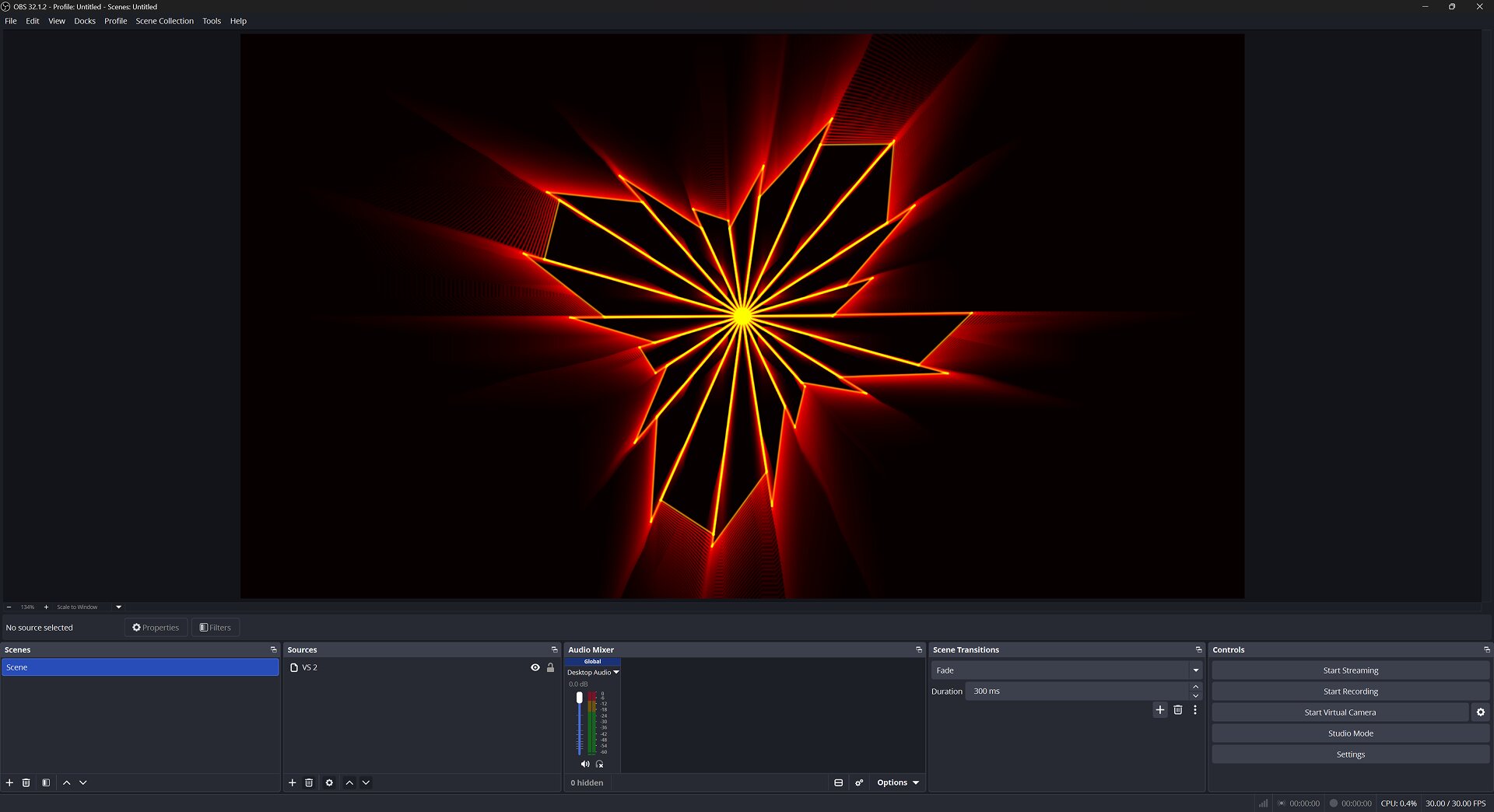
NDI, Spout (Windows) and Syphon (macOS) — up to 4K at 60 FPS into your VJ rig or stream.
Capture your performance straight to a video file — up to 4K at 60 FPS, portrait or landscape, no screen-capture tools needed.
MIDI-learn any control — notes, velocity, CC and clock route to any parameter. Assign a controller once and play VS like hardware.
Line up scenes into playlists and trigger them in order — or let them advance on their own. Your whole show, sequenced and one tap away.
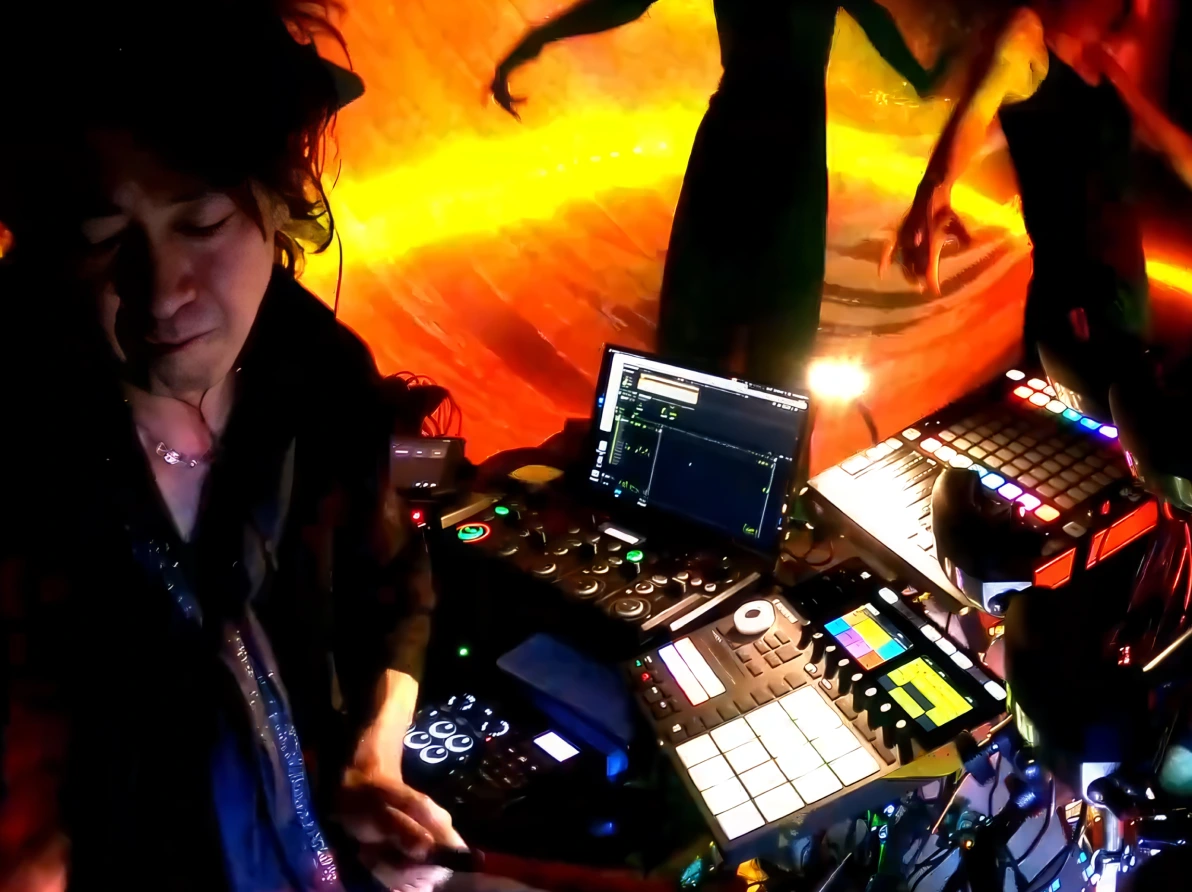
Your show gets a visual half — and it plays itself, in time with you. Trigger scenes, beat-sync layers, MIDI-map a controller, run full-screen on a second display.
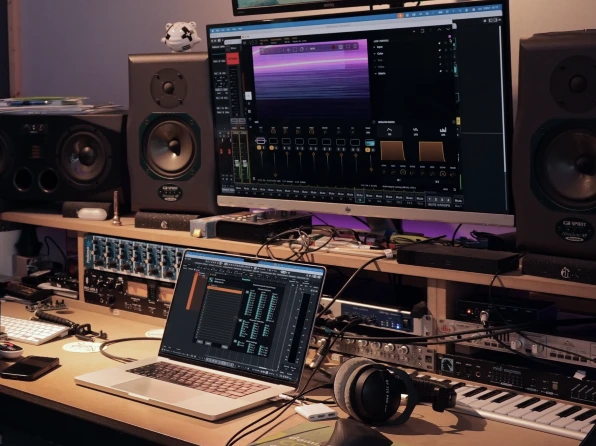
It's already in your session. Route a track to VS and watch the mix — visuals built from the same performance, in perfect sync.
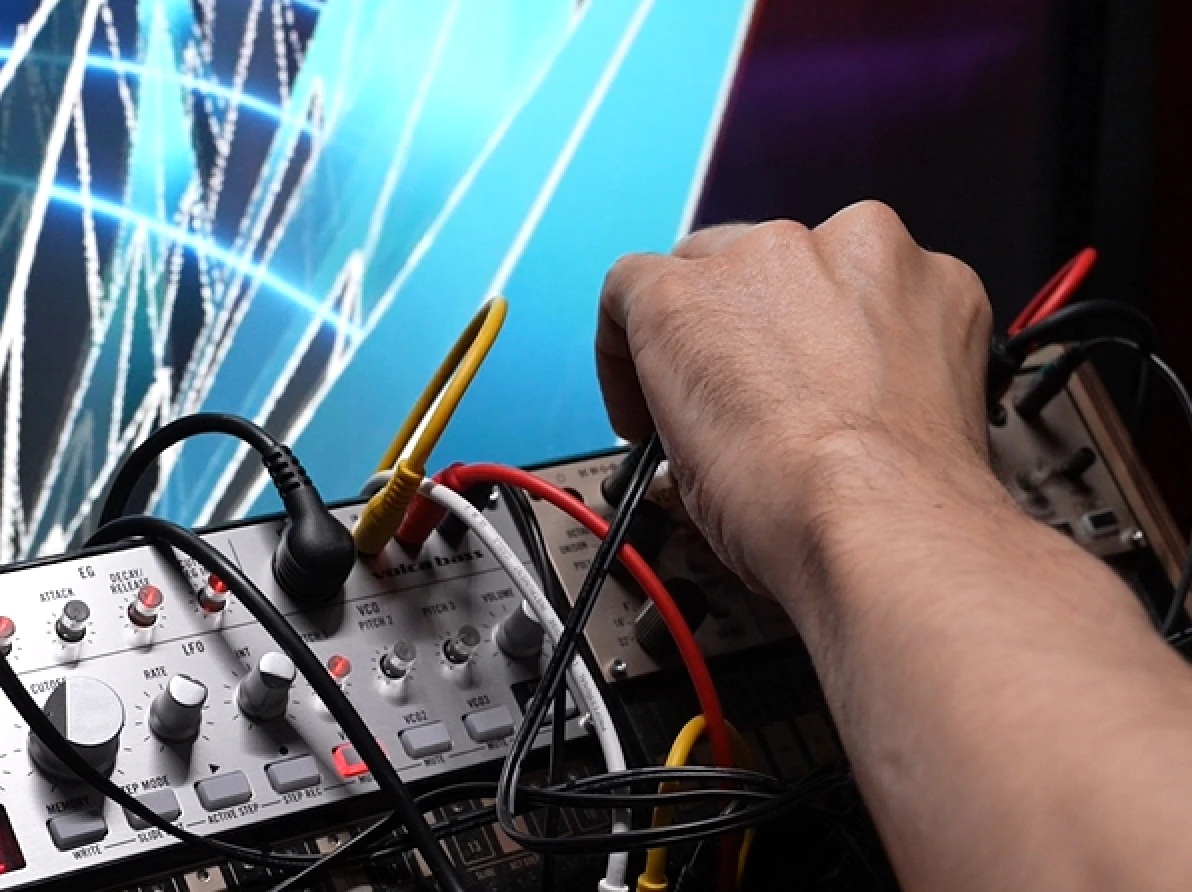
Plug into OBS, Resolume, or the projector — VS feeds them all over NDI, Spout and Syphon. Music-synced motion, no second operator.
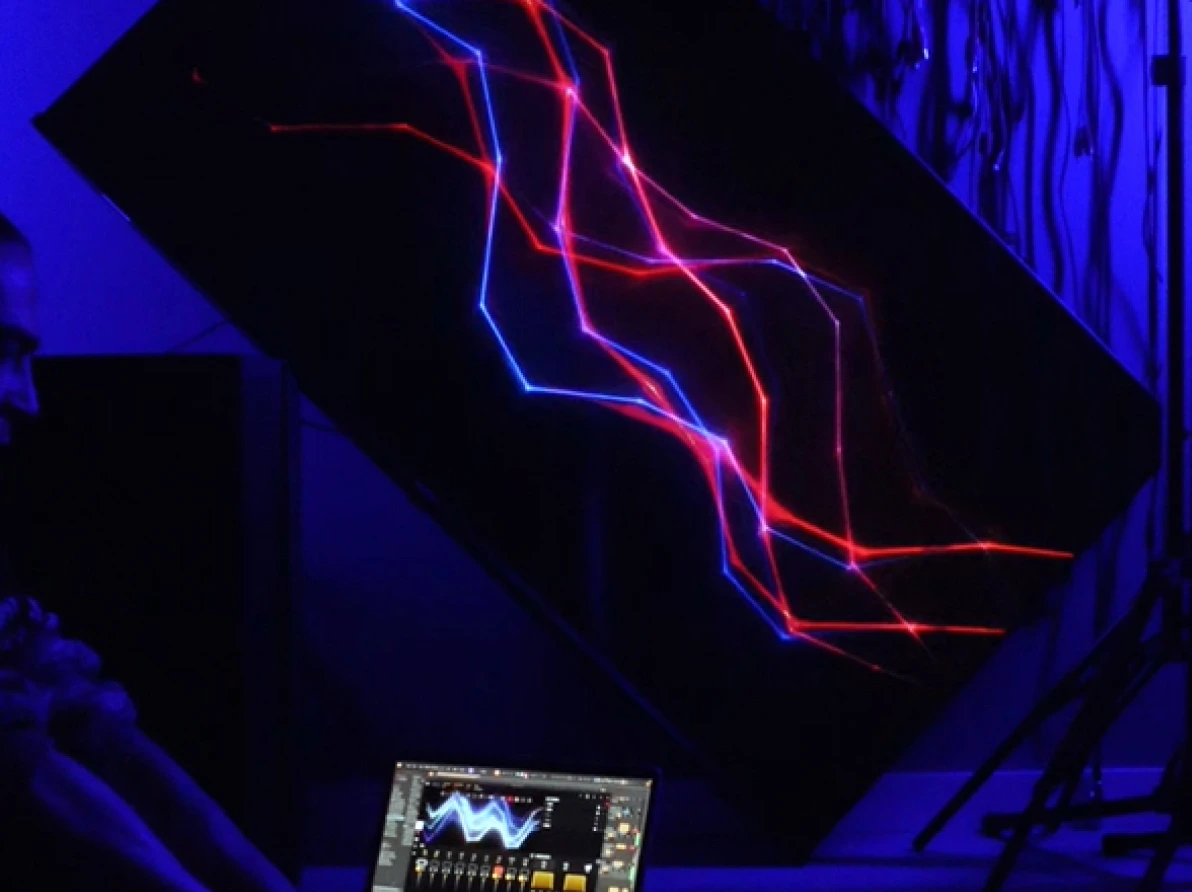
Set it running and it never plays the same frame twice. Long-form, audio-reactive pieces for galleries, lobbies and residencies — saved and recalled in a tap.
Why review a visual synth in an audio magazine? Well, many of us put our music online, and on platforms such as YouTube that support videos as well as sound, experience shows that you’ll get far more…
On a mission to innovate rather than imitate, Imaginando has built a solid reputation for releasing products that excite musicians and producers, offering new ways to maximize creativity.
VS provides a creative way to generate beautiful graphical representations of your music projects. Driven by both audio and MIDI data, VS is the visual equivalent of a traditional synthesizer.
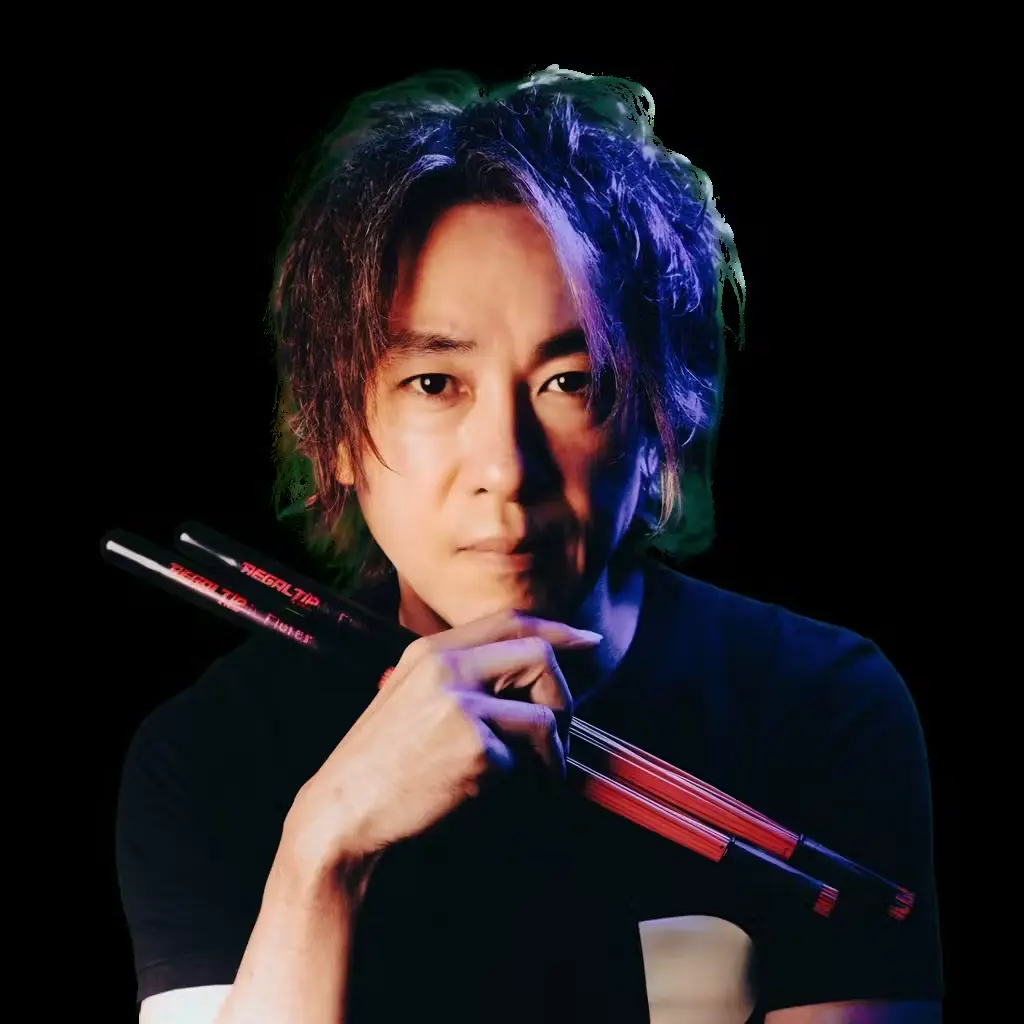
VS is really great and is the perfect tool for my solo performance. I look forward to many more expansion releases.

I found VS by chance and love using it in live performances to create layered visuals from audio or MIDI inputs. It's highly customizable and delivers stunning effects, backed by a supportive team.
It's already in your DAW.VST3 / VST / AU, instrument or FX. Route a MIDI or audio track and your visuals are built from the same performance.
AU plugin, Apple Silicon native. Runs beside your session with audio and MIDI in.
VST3 plugin. Bridge MIDI from your patterns straight to VS layers.
Syphon, Spout and NDI feed clean video into any VJ or projection-mapping host.
Drop VS into a stream or a generative patch with no capture overhead.
Verify your student or educator status and get 50% off — across all Imaginando desktop software, with updates included.
VS 2 runs on mobile too, sold separately: a paid app on the App Store for iPad, and a free download on Google Play for Android 15 or later, with an in-app unlock. VS 1 now stays only as the upgrade path to VS 2 through the VS Bundle.


13 Ventura or later · 64-bit · Universal Binary · ~2.1 GB download.
Windows 10 / 11 · 64-bit · ~1.2 GB download · dedicated GPU recommended for 4K output.
iOS 17.0+ · iPad · ~908 MB download.
Android 15 or later · standalone app.
VST3 · VST · AU · AUv3 · standalone · instrument & FX.
Every panel, every parameter, every routing option. Searchable, with shader-by-shader diagrams and signal-flow walkthroughs.
Read the manual →Video tutorialsStep-by-step videos covering shaders, modulation, MIDI mapping and DAW integration — plus performance recipes from working VJs.
Open YouTube →SupportStuck on a license, a mapping, a scene? Open chat — we usually answer the same day, in English or Portuguese.
Open chat →