Introducing community
Published on
Hi everyone, and Happy New Year!
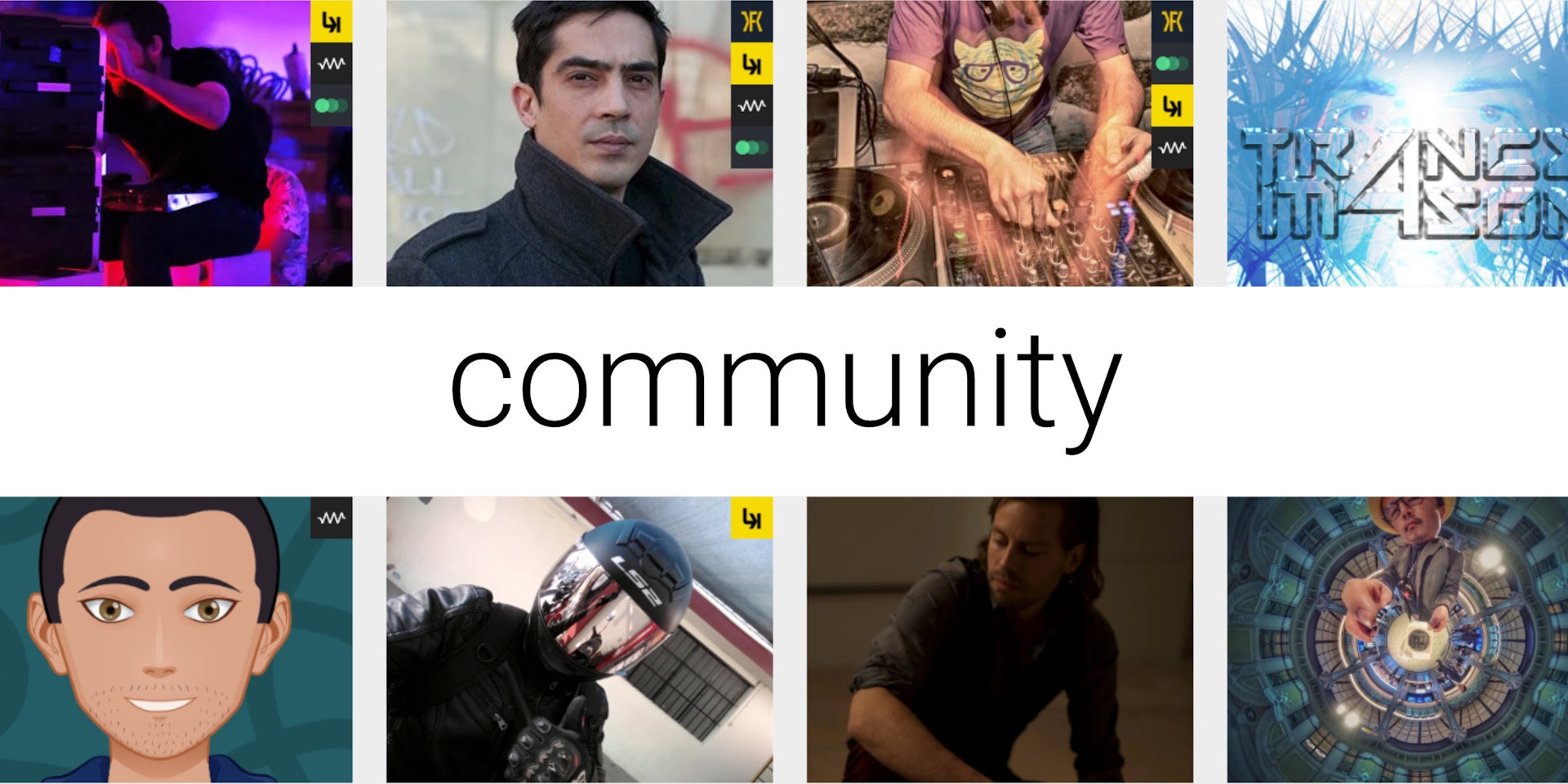
Eagle-eyed Imaginando account members out there may have noticed a new feature to our website dashboard - the community section. It’s a completely optional feature that allows you to add yourself to the public wall of artists, and share all the awesome stuff you create with Imaginando in your toolbox.
To make your profile visible simply click the toggle switch ‘public profile’ in the profile menu of the dashboard. To avoid a mass of blank images, only profiles with an image are visible on the community wall. Your profile image is the first thing people will see, so choose wisely - it doesn’t have to be a professional glossy photo shoot, just make sure it is a high quality image free from any explicit or offensive content.
The ‘bio’ section which will go live in a future update, is a space for you to give a brief overview of who you are and what you do. We don’t want to have to post a big list of everything that is forbidden, just be sensible. There must be no offensive or explicit content, and please keep it nice, clean, plain text, free from ‘ASCII art’ or emojis - it’s 2020, not 1999.
The ‘activity’ section is all about how you use our products, if you don’t see an option that fits you, then let us know! We’re not trying to create a definitive list of every single sub-genre of music here, ie if you make tech-house, choose ‘house’, but if you feel your particular genre is not represented then get in touch and tell us.
The ‘on the web’ section of your profile is the place for links to your Twitter, Soundcloud, YouTube channel etc - please keep these out of your bio.
What you choose to share is up to you. It’s just a place for like minded musical creatives to find and explore new artists within the Imaginando community and the inspiring musical experiences they create.
You don’t need to make your profile public to view the community wall, so why not check it out for yourself, there’s already a few familiar faces on there!
From Portugal with passion,
Team Imaginando